Funnel connectivity menu doesn't appear in the printer menu
Trying to connect an Asiga Printer to the Funnel but there is no "Connectivity" menu on the Printer interface.
Firstly upload and install Firmware, see Enrolling Printers
If you believe you have uploaded the correct firmware but the Connectivity menu still doesn't work you should Re-upload and re-install firmware in case there was an error the first time.
If you still don't see the Connectivity menu You'll need to get in touch with us, use the support agent in Funnel, and provide the following, this will help speed up our help:
-
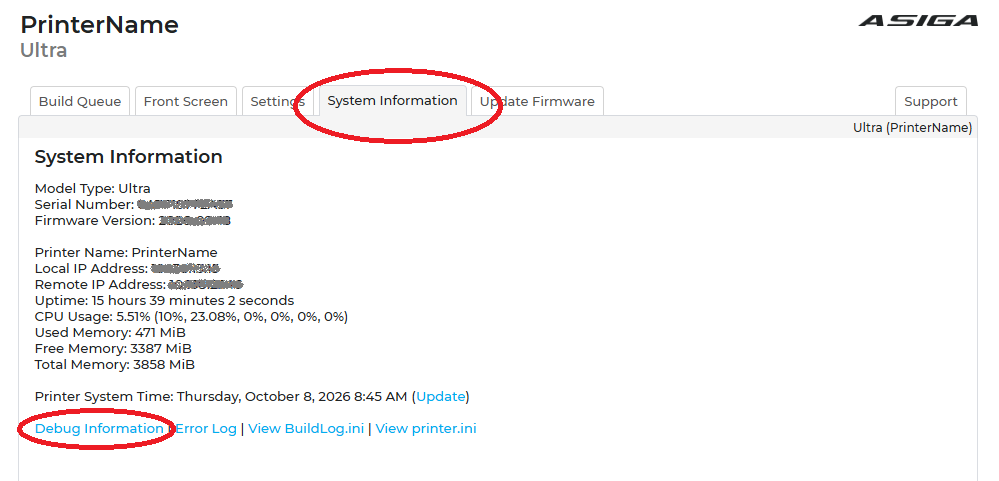
A copy of the debug file from the printer (Go to the web interface of the printer and save the debug report by right clicking it)
-
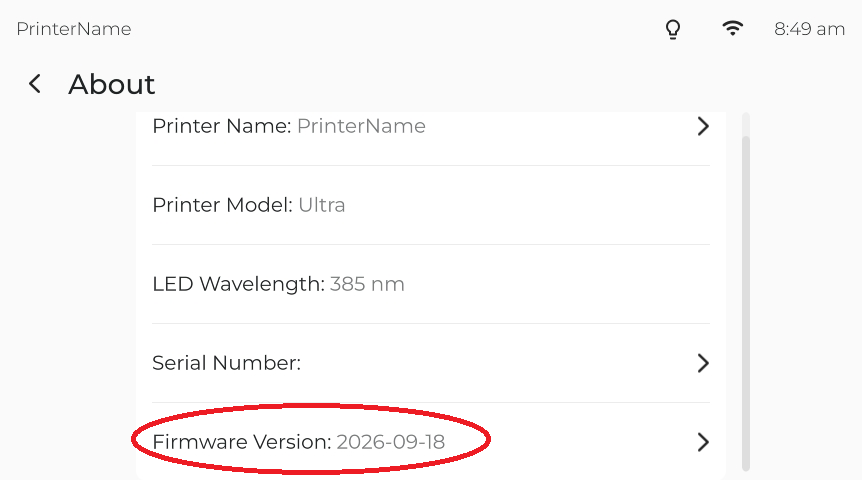
Take a screenshot of the About menu that includes the current firmware menu item,
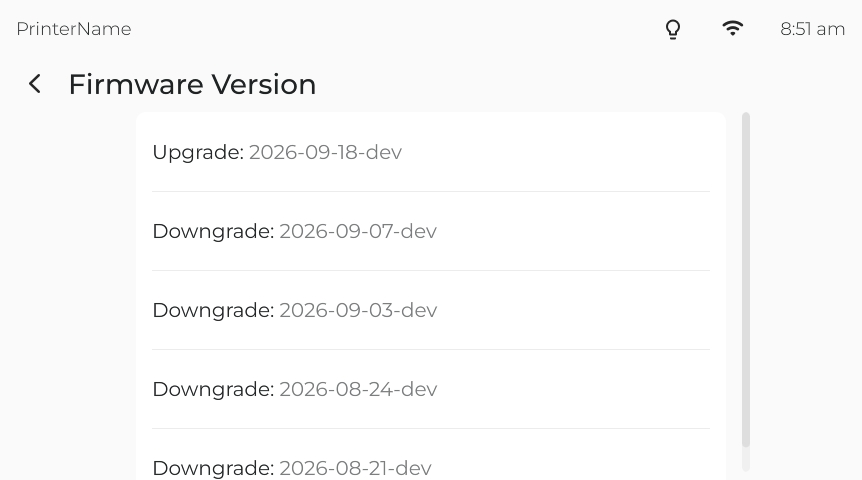
- Take a screenshot of the firmware menu that includes the previous versions